

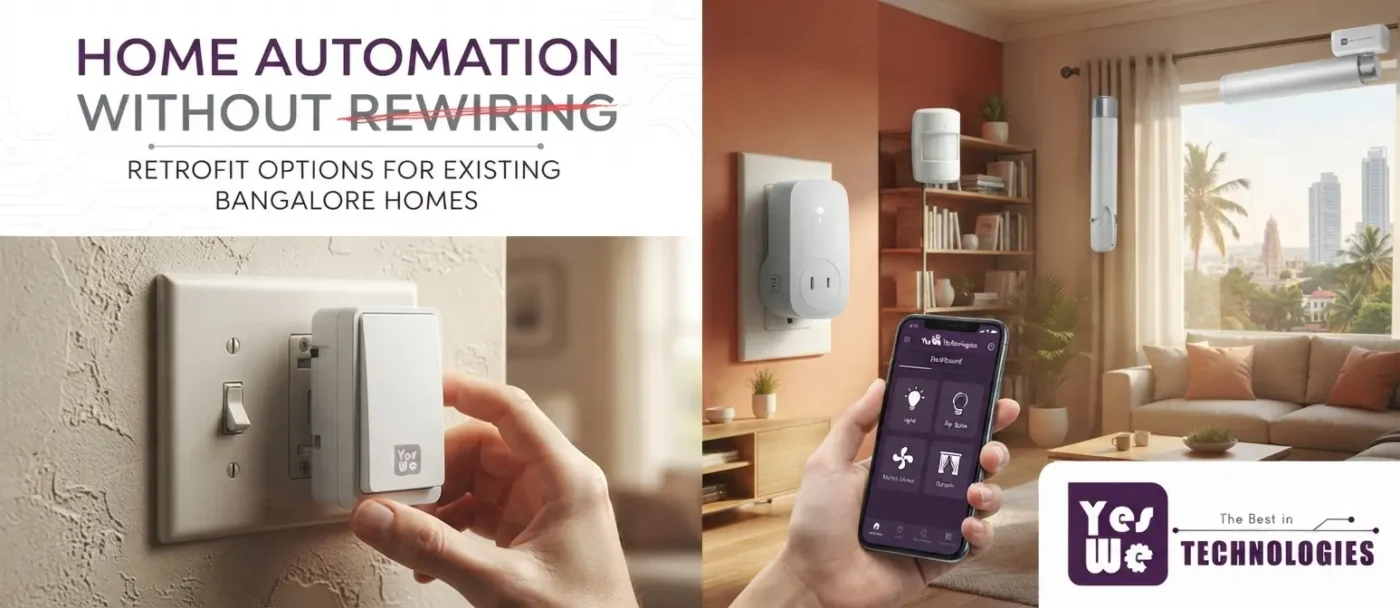
You bought a resale 3BHK in a gated community off Sarjapur Road. The interiors are done, the walls are freshly painted, and the last thing you want is an electrician chasing grooves through them. But you also want lights that switch off when you leave and curtains that close before the afternoon sun hits the living room.
Good news: home automation without rewiring is not a compromise anymore. Most of what a smart home does — lights, fans, curtains, locks, cameras, AC control — can now be added to the wiring and switchboards you already have. The trick is knowing what works behind your existing switches, what needs a small change, and where rewiring genuinely makes sense.
This guide walks you through exactly that, with the checks to run before you spend a rupee and what a retrofit typically costs in Bangalore.
What “Home Automation Without Rewiring” Actually Means
Retrofit automation adds intelligence to the electrical system your home already has. Instead of pulling new cables through walls, small smart modules sit behind or in place of your existing switches, and battery-powered or plug-in devices handle everything else.
Full rewiring is different. It means new conduits, a redesigned switchboard layout and usually a central control panel. It makes sense when walls are open anyway — a new build or a gut renovation — but it is expensive, dusty and slow in a home you are already living in.
Most existing Bangalore homes sit comfortably in the retrofit camp. Here is how the two approaches compare:
| Retrofit (no rewiring) | Full rewiring | |
|---|---|---|
| Wall work | None, or minor at a few points | Grooves, new conduits, repainting |
| Time to install | A few hours per room (30–60 minutes per switch) | Weeks, alongside other renovation work |
| How devices talk | Wireless — Wi-Fi, Zigbee or Bluetooth, often through a hub | Dedicated control cabling to a central panel |
| Best for | Lived-in flats, resale homes, rentals, finished villas | New builds, full renovations, large villas |
| Can you expand later? | Yes, room by room | Yes, but planned up front |
The key enabler is the wireless protocol. A smart home gateway ties retrofit devices together so they behave like one system rather than ten separate apps. If you are unsure what a gateway does, our home automation gateway explainer covers it in plain terms.
What You Can Automate Without Breaking a Wall
More than most homeowners expect. Here is what a retrofit covers in a typical Bangalore flat or villa, and how much disruption each upgrade involves.
| You want to… | Retrofit option | Wall work |
|---|---|---|
| Control lights and fans from your phone or by voice | Retrofit modules behind existing switches, or modular smart touch switches in your current switch frames | None |
| Dim lights or set scenes like “Movie” or “Good Night” | Smart dimmers plus dimmable and tunable lights | None |
| Open and close curtains automatically | Battery or plug-in curtain motors on your existing window | None for battery motors; one power point near the track for wired motors |
| Control your AC on a schedule | IR blaster that learns your AC remote, or HVAC automation | None |
| Lock and unlock the main door remotely | Smart door lock fitted to your existing door | Door only |
| See who is at the door | Video door phone | Surface mounting; minimal |
| Watch your home from your phone | Wi-Fi CCTV cameras | A power point near each camera |
| Get alerts for open doors, motion, gas or water leaks | Battery-powered smart sensors | None (adhesive or screw mount) |
| Open the gate without getting out of the car | Motorised gate automation on your existing gate | Motor mounting and a power feed at the gate |
That is the core idea behind home automation without rewiring: anything that already has power nearby can usually be automated without new wiring. The only time an electrician needs to touch the walls is when a device needs power somewhere it does not currently exist.
Four Checks Before You Buy Anything
Most retrofit projects that disappoint fail for one of four reasons, and all four can be checked in a single site visit. Run through these before you order devices online.
1. Is there room behind your switchboard?
Retrofit modules sit inside the switch box, behind the plate. In many older or builder-grade flats, those boxes are shallow and already crowded with wires. If a module will not fit, the fix is usually a slightly deeper box or a different module type — not rewiring — but it is better to know before you buy one for every room.
2. Do your switch points have a neutral wire?
Many smart switches need a neutral wire at the switch to power their own electronics. Homes built before roughly 2005 often loop only the live wire through the switches. No-neutral versions exist, with some trade-offs. We cover this in detail in Touch Switches vs Traditional Switches — the short version is to get it checked before you choose a product.
3. Will the wireless signal reach every room?
Bangalore apartments are mostly built with RCC walls and slabs, which are hard on wireless signals. A router in the hall may give you full bars in the living room and almost nothing in the far bedroom. Zigbee devices form a mesh and pass signals along, which helps, and a strong home network solves the rest. Our post on Wi-Fi 6 vs 5G for smart homes explains the options.
4. What happens during a power cut or surge?
Bangalore homes see their share of power cuts and monsoon surges. Two things to confirm: which circuits your inverter or DG backup actually covers, so your hub and router stay online, and whether surge protection is in place for the new electronics. Neither needs rewiring, but both affect how reliable your smart home feels day to day.
Retrofit Options by Type of Bangalore Home
The right retrofit plan depends less on budget and more on the kind of home you live in. Here is how it usually plays out.
Resale apartment in a gated community
This is the classic retrofit scenario — a flat in an established Whitefield, Hebbal or Electronic City community, with finished interiors. Start with retrofit modules behind the living room and bedroom switches, then add curtain motors and a smart lock. Check your association’s rules before changing the main door hardware or mounting anything on the corridor side; most are fine with it, but some ask for approval. Our smart home checklist for new Bangalore apartments is a useful companion.
Older independent house
Houses in Jayanagar, Banashankari or Indiranagar built two or three decades ago are where the neutral wire and switch box checks matter most. Retrofit still works, but expect a few points to need minor electrical work. These homes also gain the most from gate automation and perimeter sensors, since there is no apartment security desk. See how apartments and houses differ in Apartment vs Independent House: Smart Home Automation.
We cover what we typically install in these homes on our home automation for independent homes page.
Rented flat
Stick to anything you can take with you: retrofit modules that leave the original switches in place, battery curtain motors, plug-in sensors and Wi-Fi cameras. Get your landlord’s okay before swapping switch plates or the door lock, and keep the original parts to refit when you move out.
Villa with finished interiors
Larger villas stretch Wi-Fi to its limits, so a Zigbee or hybrid gateway becomes essential rather than optional. A retrofit villa can still get whole-home scenes, landscape lighting control and gate automation, all tied into one app. If you are planning a renovation in the next year or two, though, it may be worth waiting and wiring properly then.
Where Retrofit Stops and Rewiring Makes Sense
Retrofit handles most of what homeowners want, but not everything. Be honest with yourself about these cases:
- Dedicated home theatre with in-ceiling or in-wall speakers. Speaker cables and HDMI runs need conduits. If a home theatre is on your list, plan the wiring for that room even if the rest of the home stays wireless.
- Wired CCTV with a central recorder. Wi-Fi cameras work well for most flats, but larger homes and villas often need wired cameras for reliability. Our wired vs wireless CCTV guide helps you decide.
- Very old or unsafe wiring. If your wiring is decades old, overheats or trips often, fix that first. Smart devices on faulty wiring are a safety risk, not an upgrade.
- Gut renovation already planned. If the walls are coming open in the next year anyway, wire for automation then. It costs far less to lay conduits during a renovation than to retrofit and redo it later.
There is also a middle path: retrofit most of the home now and run new wiring only for the one or two rooms that need it, such as a media room.
What Home Automation Without Rewiring Costs in Bangalore
A retrofit costs less than rewiring because you pay for devices and a few hours of installation, not civil work. Typical ranges for the most common upgrades:
| Upgrade | Typical cost |
|---|---|
| Modular smart touch switch (retrofit) | Rs 500 – Rs 2,500 per module |
| Modular touch switches, full 3BHK | Rs 15,000 – Rs 60,000 |
| Glass panel smart switches, full 3BHK (basic) | Rs 60,000 – Rs 1,50,000 |
| Installation, glass panel switches | Rs 500 – Rs 1,500 per point |
| Curtain motor + installation | Rs 8,000 – Rs 25,000 per window |
| Starter kit (smart plugs, bulbs, voice assistant) | Rs 5,000 – Rs 20,000 |
Smart locks, cameras, sensors and the gateway vary widely by brand and home size, so we quote those after a site visit. Doing several windows or rooms in one visit also brings the per-unit cost down — for curtains, typically by 15 to 25 percent.
A phased plan that keeps costs manageable
You do not have to do it all at once. A sensible order for most homes:
- Phase 1 — Daily-use rooms. Lights and fans in the living room and master bedroom, plus the gateway that everything else will connect to.
- Phase 2 — Comfort. Curtain motors on sun-facing windows and AC scheduling. In Bangalore, closing west-facing curtains in the afternoon makes a noticeable difference to how hard the AC works.
- Phase 3 — Security. Smart lock, video door phone, door sensors and cameras, all tied into the same app.
Each phase works on its own, so you can pause after any step. For a closer look at prices, see our touch switch cost breakdown and curtain automation costs in Bangalore.
Conclusion
Home automation without rewiring is the practical route for almost every lived-in Bangalore home. Lights, fans, curtains, AC, locks and cameras can all be automated with the wiring you already have, as long as you check switch box space, neutral wires, wireless coverage and power backup first. Rewiring is worth it only for a dedicated home theatre, wired CCTV on a large property, unsafe old wiring, or a renovation that is already planned.
Start with the rooms you use most, connect everything through one gateway, and grow from there.
Book a Free Site Visit
Not sure what your switchboards can handle? Yes We Technologies offers a free site visit to check your wiring, switch boxes and Wi-Fi coverage, then recommends a retrofit plan that fits your home and budget. We work across Bangalore, from Whitefield and Sarjapur Road to Hebbal, Jayanagar and Electronic City.
Book a Free Site Visit · +91 9620555565 · enquiry@yeswe.in
Or explore our home automation services in Bangalore.
Frequently Asked Questions
1. Can I automate my home without changing the existing wiring?
Yes. Retrofit modules fit behind your existing switches, and wireless devices such as curtain motors, smart locks, sensors and Wi-Fi cameras need no new cables. Rewiring is only needed where a device needs power at a spot that has none today.
2. Will my existing switches still work after a retrofit?
With retrofit modules installed behind the switchboard, yes. Your family can keep using the wall switches as before, while app, voice and scheduled control are added on top.
3. Does retrofit home automation work without the internet?
Basic switching keeps working without the internet. Remote access from outside the home needs a connection. Systems built around a local gateway can also run scenes and schedules inside the home during an internet outage.
4. Is retrofit automation safe in older homes?
It is safe when the existing wiring is in good condition. In older houses, an electrician should first check for loose connections, overheating points and whether a neutral wire is available at the switches. Faulty wiring should be fixed before any smart device is added.
5. How long does a retrofit installation take?
A single switch module usually takes 30 to 60 minutes. Curtain automation for two to four windows typically takes two to four hours. Multi-room upgrades are scheduled to keep disruption to a minimum, and the site visit gives you a time estimate for your home.
6. Can I install home automation in a rented flat?
Yes, if you choose removable options: retrofit modules that leave the original switches in place, battery curtain motors, plug-in sensors and Wi-Fi cameras. Ask your landlord before replacing switch plates or the main door lock, and keep the original parts to refit when you move.
7. Is Wi-Fi or Zigbee better for a retrofit?
Wi-Fi devices are simple for a few rooms but can struggle through concrete walls and crowd your router as the number of devices grows. Zigbee devices form a mesh through a hub, so each device helps pass the signal along. For whole-home retrofits, Zigbee or a hybrid gateway is usually the more reliable choice.
8. Can I add more smart devices later?
Yes. Once a gateway is in place, new switches, curtains, sensors or cameras can be added room by room without changing what is already installed. Choosing one compatible ecosystem from the start makes later additions straightforward.